What the Tech: Ways to block spam on your phone
WHAT THE TECH (WAKA) by Jamie Tucker – At least a few times a month, I get an email from a viewer asking the same question: how do I stop spam calls and texts from reaching my phone?
The truth is, you may not be able to block all of them. But your phone already has free tools built in that can catch more than they miss and, more importantly, stop them from interrupting your day.
iPhone can handle unknown callers for you
On an iPhone, Apple now includes features that deal with unknown callers before you ever pick up. Go to Settings, tap Phone, and turn on “Silence Unknown Callers.” This sends calls from numbers not in your contacts straight to voicemail. Your phone never rings.
You can also let the phone prompt the caller to say why they’re calling. You’ll see a live transcript on your screen and decide whether it’s worth answering.
Android can screen calls automatically
Android phones offer similar tools, and in some cases, even more control. The Google Phone app can automatically screen calls using Google Assistant. It answers the call, asks who’s calling, and shows you a live transcript so you can decide what to do.
These features are like having a personal assistant, letting the important calls through and stopping the junk.
Your carrier can block spam before your phone rings
There’s another layer of protection many people overlook: your wireless carrier. AT&T, Verizon, and T-Mobile all offer spam filtering tools that can block or label suspicious calls before they ever reach your phone. Some of these features are free, while others may require a subscription.
How to filter spam text messages
Blocking spam texts works a little differently, but both iPhone and Android can help. On iPhone, you can filter messages from unknown senders in Settings under Messages. On Android, the Google Messages app can automatically detect and report spam messages. These messages are moved out of your main inbox into a separate folder, so they don’t clutter your conversations or trigger notifications.
One mistake that makes spam worse
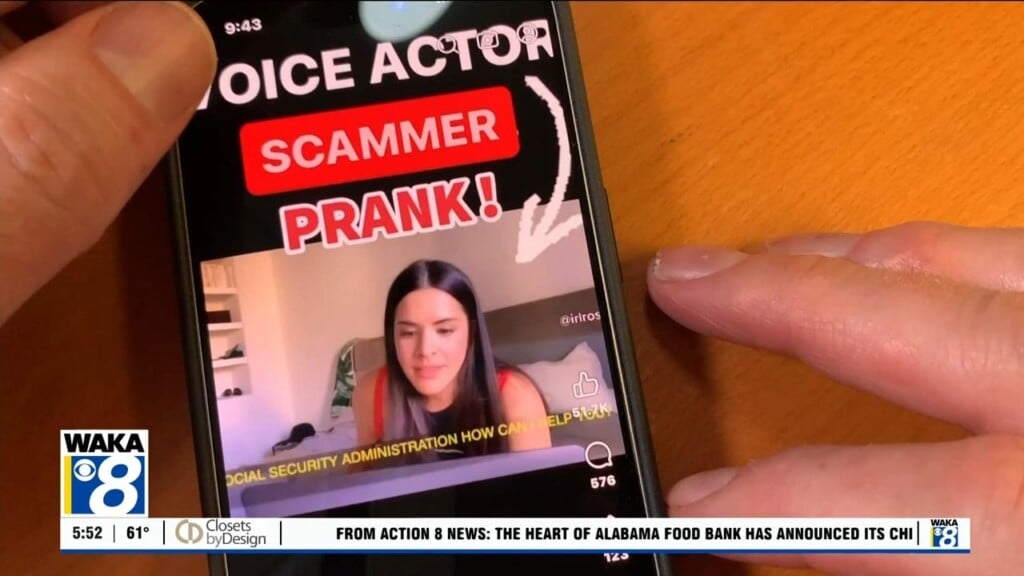
Here’s the most important tip: stop answering spam calls. It might be tempting to mess with them or see who’s calling. But once you answer, your number can be marked as active. That often leads to even more calls.
You may not be able to stop every spam call or text. But with these tools, you can stop them from bothering you.