What The Tech: How to better protect yourself on the internet
BY JAMEY TUCKER, Consumer Technology Reporter
It’s time for all of us to get a handle on how much of our personal information is available to anyone who searches for it.
We accept that people can find us on social media. Photos, friends, and anything we post publicly come with the territory. But there are free websites online that show far more personal information without your permission.
And most people don’t even know they exist. I didn’t either until I went looking.
Information You’d Never Share With a Stranger
Think about this for a moment. Would you walk up to a stranger and give them your phone number, email address, home address, and the names of your family members? Would you show them a photo of your house and a map of where you live?
Of course not.
But websites like FamilyTreeNow do exactly that.
With just a name, these sites can show where you live now, where you’ve lived in the past, phone numbers, email addresses, and even photos and maps of your home. In many cases, they list parents, spouses, children, cousins, and other relatives.
Tap on a family member’s name and you can see their information too.
In some searches, you’ll even see “possible associates,” which may include in-laws or extended family members.
It’s unsettling because most of this information isn’t something you remember sharing anywhere.
Where This Information Comes From
These sites aren’t hacking anything. They collect public information from sources like property records, voter rolls, court filings, and other databases. This is the same information someone could find by visiting a courthouse. The difference is how easy it has become. Instead of digging through records, anyone can now sit at a computer and learn a lot about you in seconds.
The Good News: You Can Take Control
What many people don’t realize is that you can monitor and remove your information from many of these sites. One of the easiest tools to use comes from Google.
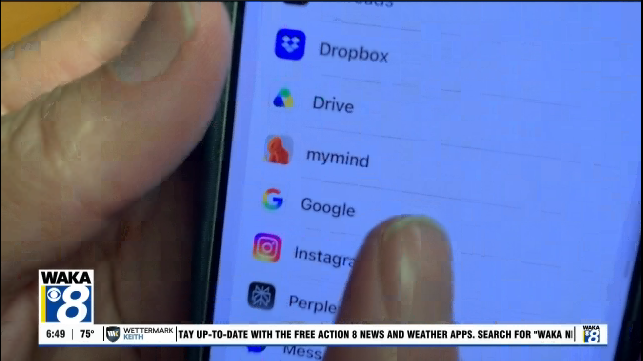
From your Google account, search for “Results about me.” This tool shows where your personal information appears in search results, including phone numbers and home addresses. You can request removal directly from Google and sign up for alerts.
If one of these sites adds your information later, Google can notify you by email and give you the option to request removal again.
You can also visit people search sites directly, including FamilyTreeNow, and opt out manually. It takes a few minutes and may not happen instantly, so it’s a good idea to check back and make sure your information stays removed.
Why This Matters
None of this is illegal. It’s public information.
But the concern is how easily and quickly so much personal detail can be gathered about you and your family. That information can be used for scams, fraud, or simply finding someone who doesn’t want to be found.
Online safety isn’t just about what you post. It’s also about what’s posted about you.