What The Tech: How to spot secret apps on your child’s phones
BY JAMEY TUCKER, Consumer Technology Reporter
Kids are going to hate me for this one. But parents need to know.
The app stores are filled with what are called “vault apps” or “locker apps,” and they’re specifically designed to look like something completely harmless. A calculator. A music player. A basic utility. Tap the icon, and it looks exactly like what it claims to be. But enter a secret passcode on that screen, and a hidden vault appears.
Inside, users can store photos, videos, messages, contacts, and private notes. Anything they don’t want you to see. Add a photo to the locker, and the app will even ask if you want to delete it from your phone and iCloud, removing any trace of it from your normal camera roll.
Without the secret passcode, there’s no way in.
It Goes Deeper Than That
Some of these apps allow more than one passcode. One opens the real vault. Another opens a decoy, a few innocent-looking photos, nothing suspicious. So if a parent asks to see inside, the child can unlock the safe version and hand the phone over with confidence.
Many of these apps also take photos of anyone who enters the wrong password. So if you pick up your child’s phone and start guessing, they’ll know you tried.
There’s also a built-in panic button. If the app is open and someone walks into the room, the user flips the phone face down. Instantly, the vault closes. Pick it back up, and it looks like they were just listening to music.
How to Spot One
This is where it gets tricky, because that’s exactly the point; they’re designed not to be spotted. But here are some things to look for.
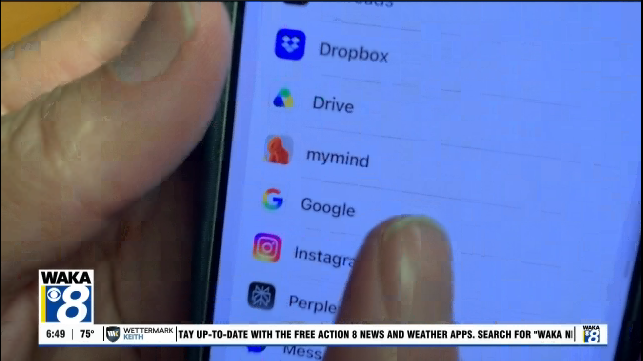
Swipe to the end of the pages of apps on their phone and tap the “App Library”. You may be able to discover one of these apps by its name. Even if they change the name of the app and the icon using an iPhone shortcut, the original app name should show up in the library.
Check the App Store reviews. Vault apps that disguise themselves as calculators often have reviews that give them away. You’ll see comments mentioning the hidden features, complaints that the “calculator doesn’t work right,” or suspiciously vague five-star reviews.
Search the app name and read what people are actually saying about it.
Look for calculators that don’t quite add up, literally. If your child has a calculator app and your phone already has a built-in one, ask yourself why they need another. Open it and try to use it as an actual calculator. Some of these apps function poorly as the thing they’re pretending to be.
Check for duplicate utility apps. Two flashlight apps. Two music players. Two of anything that your phone already does natively is worth a second look.
Search the app name. A quick Google search of any unfamiliar app will usually tell you everything. If it comes back with results about “private photo storage” or “secret vault,” you have your answer.
What to Do If You Find One
Don’t just delete it. Use it as an opening to have a conversation, because the bigger question isn’t how the app works. It’s why it’s there in the first place. That’s the discussion worth having.
Click here for more local news.